Virtual Keyboard
1. When a physical scanner is connected to the tablet, the virtual keyboard is disabled.

2. To enable the on-screen keyboard, click the textbox you wish to type in.
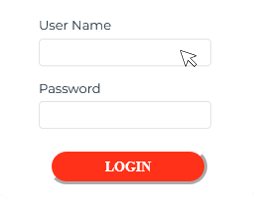
3. In the very botton right corner of the screen, a small keyboard symbol will appear. Click it.

4. A pop-up window will show. Toggle the 'Show virtual keyboard' button and the keyboard will appear.
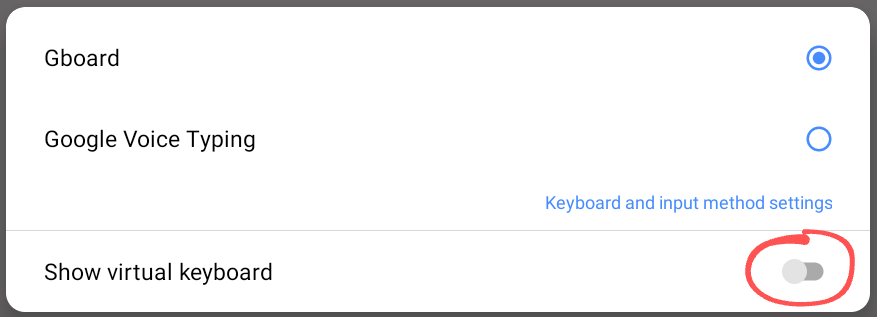
Once the on-screen keyboard has been enabled, you will not need to enable it again unless the scanner has been disconnected and then reconnected.